
Create a Geberit Developer Portal account
Before you start ...
Please make sure you are using the correct environment for your purposes.
We provide services via two environments:
Staging environment (STG) https://developer.stg.mbp.geberit.com/
Use STG with your personal Developer Portal account to experiment and retrieve data for your development purposes.
Production environment (PRD) https://developer.stg.mbp.geberit.com/
Use PRD only for apps and services that are also in a production environment. We only allow Developer Portal accounts with team email addresses to obtain subscription keys.
If you are currently on PRD (developer.geberit.com) but want to use our APIs to develop your app or service, switch to the STG environment (developer.stg.mbp.geberit.com) and follow the guide there.
Create an account
Before you can view or use our APIs, you must create an account in the Developer Portal.
Registering for a personal account in the Staging environment
To do this, you will need to authenticate with your Azure Active Directory account, so have your credentials ready.
How to register:
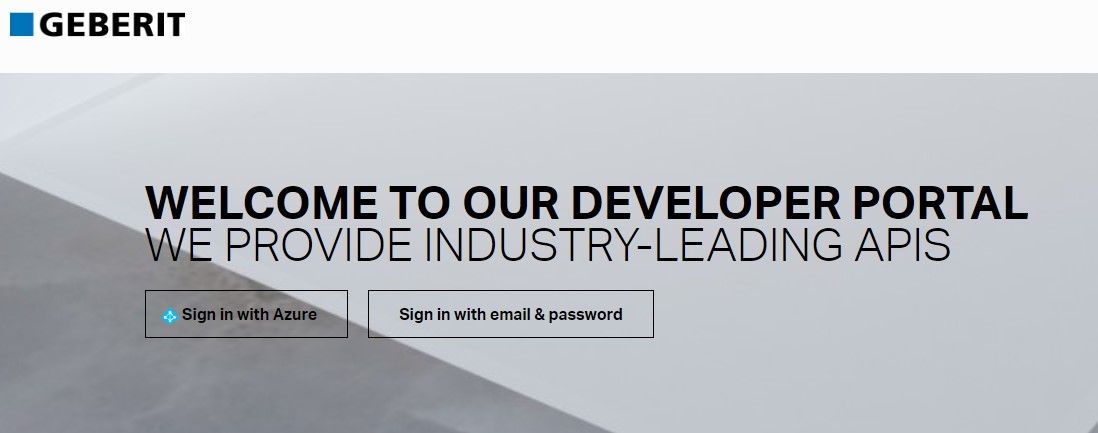
Visit the Developer Portal Homepage
Click the "Sign in with Azure" button to open a pop-up window for authentication. Please ensure your browser doesn't block pop-ups!
Follow the instructions to authenticate with your Azure Active Directory account
Complete the registration by filling out and submitting the "Sign up" form
Go to your inbox and confirm your account by clicking the link in our confirmation email
Welcome aboard!
Registering for a team account in the Production environment
How to register:
Please contact us to create your account and we get you up and running quickly!